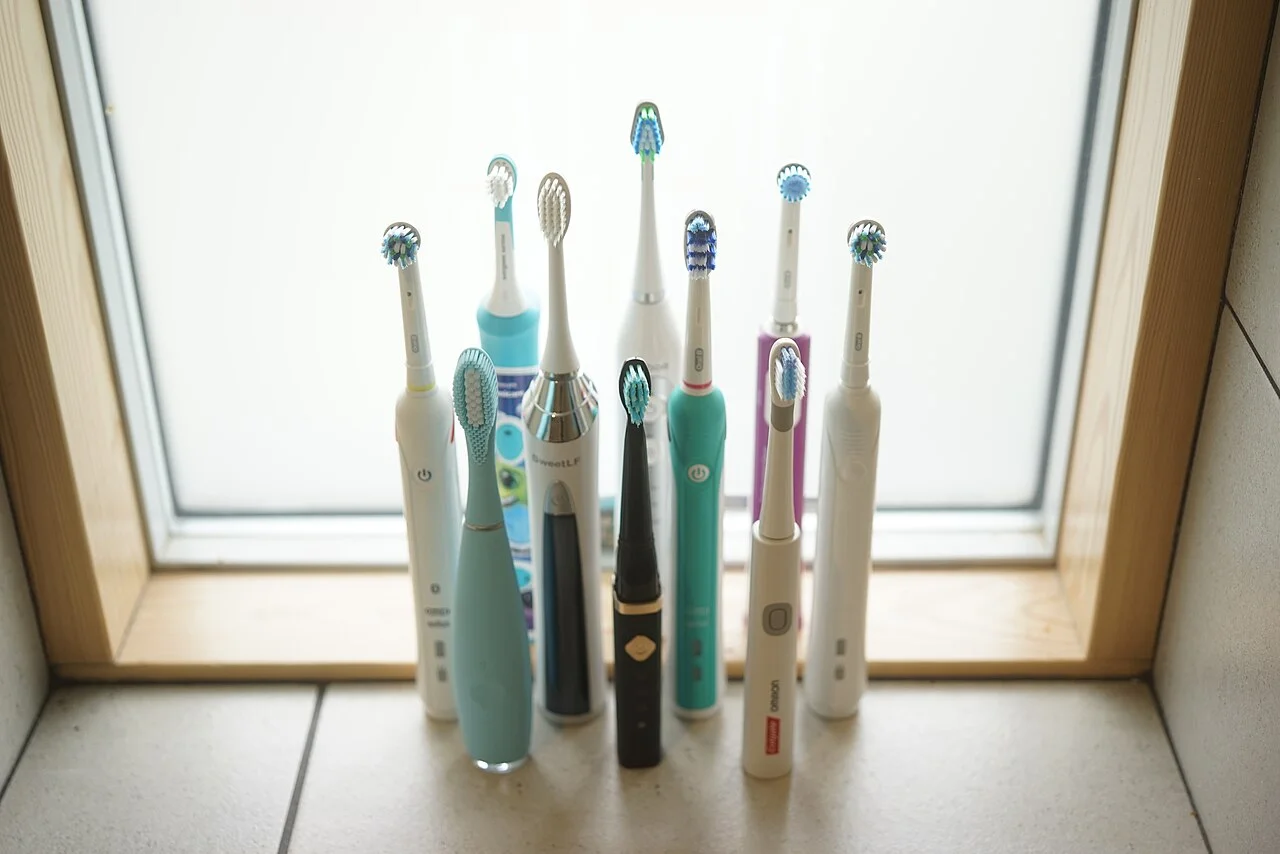
An electric toothbrush handle still works, but the replacement-head listing shows a similar shape under a slightly different family name. Before ordering a multipack, identify the handle and check the maker's compatibility information. The useful result is an exact replacement record, not a judgment about which brush produces better dental results.
Identify the handle, not the charger
Look for the model information on the handle using the manufacturer's identification guidance. Record the brand and full model code, and keep a clear photograph for your own reference if the lettering is difficult to read. Do not substitute a code from the charging base or an unrelated box unless the maker confirms what it identifies. Several household devices may have been stored together.
Philips directs Sonicare owners to the model number on the bottom of the toothbrush and provides compatibility tables. Its guide also explains how variable endings appear in those tables. Read that explanation rather than assuming that one different character proves a mismatch or that a matching brand name proves a fit. If the model remains unclear, ask support before buying a replacement part.
Check the attachment family in the maker guide
The Philips guide distinguishes standard click-on heads, Philips One heads and older screw-on systems. It says standard click-on heads fit most Sonicare rechargeable toothbrushes, not every product carrying the brand. The Philips One family has its own heads, and older Essence and Xtreme systems use screw-on heads. Those examples show why the exact family matters more than a broad electric-brush description.
Use the current table for the handle you actually have. Do not transfer these Philips examples to another brand or interpret a similar stem in a seller photograph as a compatibility statement. A listing that says compatible should identify the relevant family or model sufficiently clearly for you to verify it. Missing information is a question for the seller or manufacturer, not an invitation to force a part into place.
Keep mechanical fit separate from extra features
After establishing the attachment match, read the product information for any feature you intend to use with your handle. A named head may have additional features described by its maker, but a general fit statement does not answer every feature question. Ask about the exact handle-and-head combination when the listing is unclear. There is no need to pay for an unexplained feature simply because it appears on a bundle.
This is a parts-identification guide, not advice on treating sensitivity, gum symptoms or another dental concern. Discuss personal oral-health needs with an appropriate dental professional. Keep those needs separate from the mechanical question of which part attaches as specified. A compatibility table cannot establish a clinical outcome or tell you that a particular bristle design is right for every person.
Make the next reorder easier to verify
Before checkout, match the exact head family and product code to your record, check the seller and the stated pack contents, and read the current return conditions. Do not open several sealed packs just to compare attachment shapes. If the delivered item differs from the order information, keep the packaging and resolve the discrepancy through the seller's process rather than testing an uncertain component on the handle.
Save a compact record of handle model, verified head family, the support-page link and the product code you ordered. Note which household handle it belongs to if there is more than one. Next time, revisit the current product information rather than trusting an old marketplace photograph. The purpose is to make an ordinary consumable purchase identifiable, with enough evidence to ask a precise question when names or packaging change.
Sources & further reading
Published sources for the details and examples discussed in this story.