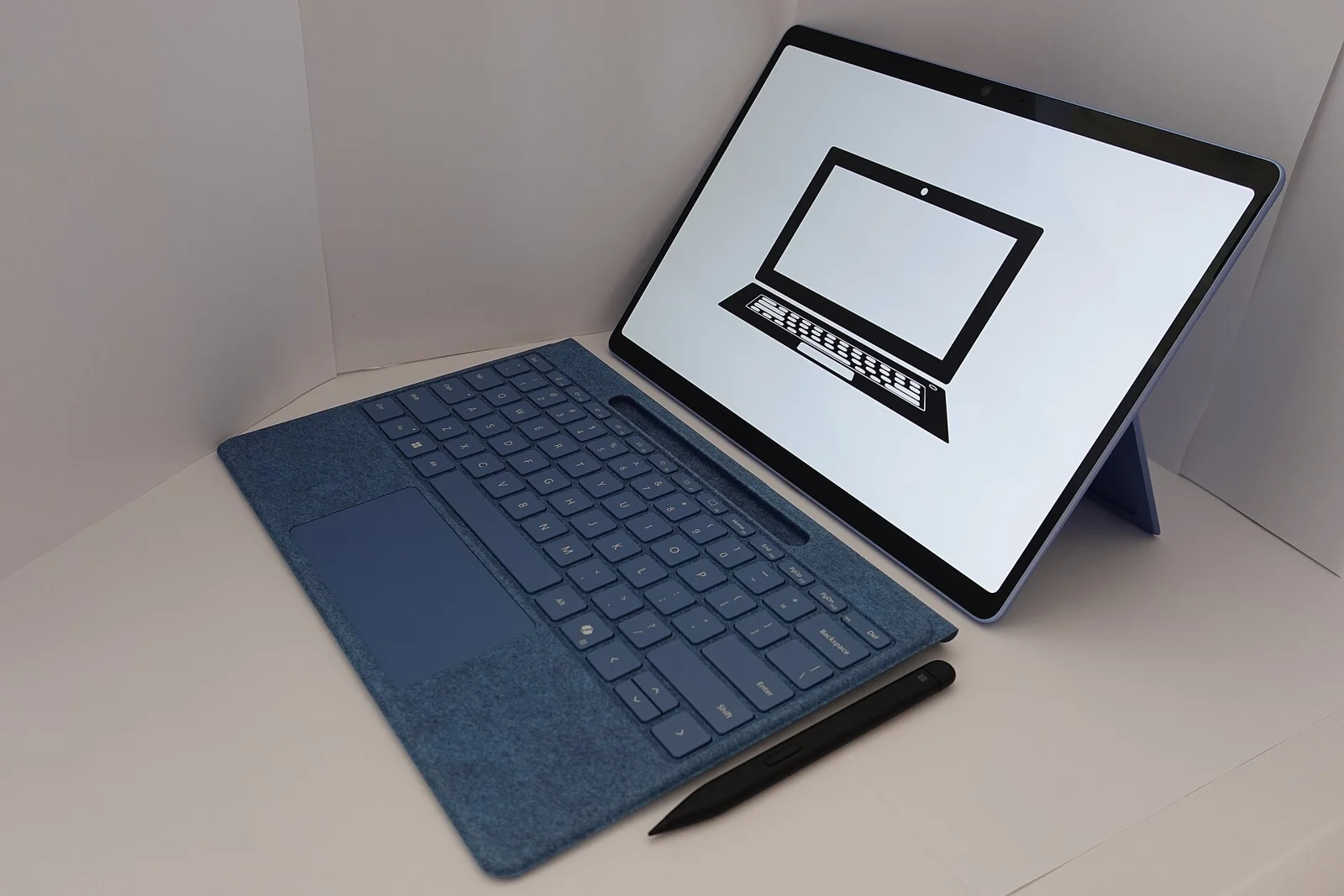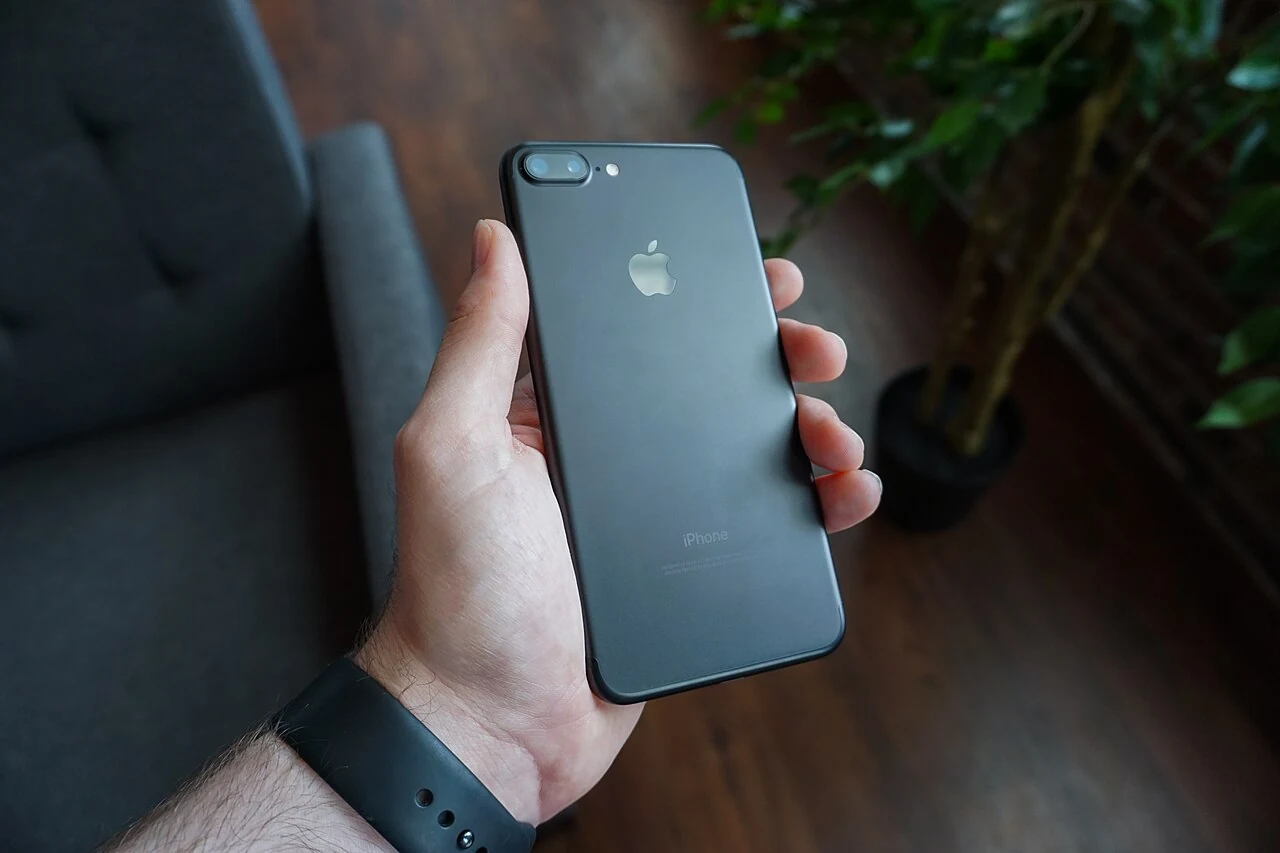
A photograph appearing on both a phone and a laptop can feel like two independent copies. With a synchronized photo service, that appearance may mean something different. Before deleting an item to make space, establish which service and account are involved and what deletion means there. This guide deliberately avoids a trial deletion: a real family photograph is not a sensible test object for an unclear storage question.
Sync is a relationship, not a second drawer
Apple says that when iCloud Photos is in use, deleting a photo or video on one device also deletes it on other devices signed in with the same Apple Account. That is the central distinction to understand before treating the phone as a disposable local copy. The presence of the photograph elsewhere on a signed-in device does not, by itself, prove that it is independent of the synchronized library.
Consider a hypothetical reader who wants more space on a phone and assumes the laptop's Photos view is an archive. The important question is not whether the image is visible on the laptop today. It is whether that view participates in the same iCloud Photos arrangement. Do not resolve the question by deleting the photograph and watching what happens. Read the current settings and Apple's instructions without making a destructive change.
Device storage and cloud storage are different questions
A warning about device space is not necessarily the same warning as one about iCloud storage. Apple distinguishes those categories in its storage guidance. Identify the actual message and the relevant service before shopping for capacity or removing material. A purchase aimed at one category should not be assumed to solve every storage issue.
This article does not provide a personal cleanup plan, account migration or instructions to turn synchronization off. Those actions can have consequences that depend on the actual device and settings. If the difference remains unclear, use Apple's official support or appropriate qualified help. Preserve the uncertainty rather than clicking a nearby deletion or disable option because its label sounds related to the warning.
An independent copy needs verification
Apple advises making copies of wanted information before deleting it. The useful question is whether the intended copy actually exists in an appropriate independent form, can be accessed as expected and includes the material the reader intends to keep. Seeing a thumbnail in another synchronized view does not establish all of that.
Do not assume an export, device backup or shared album has the same scope as the original library. Read the official instructions for the actual method chosen, including relevant limitations. This guide does not certify a backup process or guarantee recovery. A family archive deserves a clearer basis than a folder name such as “saved” or an old memory that the computer once performed a backup.
Recovery is not a safe testing strategy
Apple describes a Recently Deleted recovery period, but its guidance also notes circumstances involving exceeded iCloud storage in which deleted items may not remain recoverable there. The practical lesson is not to calculate how long a risky experiment can be reversed. It is to avoid relying on a recovery assumption before the deletion's scope is understood.
An immediately regretted action should be addressed through the actual service's current support instructions. Do not continue deleting additional items to see whether the first result was typical. Keep the account and device context clear when seeking help, without posting personal images, credentials or private account details in a public forum.
Make a non-destructive decision note
Before taking any action, write down the actual goal: free device space, understand cloud usage, preserve an independent archive, or remove an unwanted item across the synchronized library. Then identify which official guidance addresses that goal. These are different tasks even when they all begin in a Photos app.
The outcome may be to pause deletion, verify an independent copy, or seek support before changing anything. A new storage subscription or external drive should be evaluated against the resolved task, not treated as automatic evidence that photographs are protected. Buying a device does not establish what has been copied to it. The important work is understanding the relationship between the library, the account and the intended retained copy.
A useful support question identifies the relationship without exposing the photographs themselves: which device shows the warning, which storage category the warning names, and whether the same account's synchronized library is involved. These observations help define the question; they do not prove that a separate archive exists. Leave the original items untouched while that distinction is unresolved.
Sources & further reading
Published sources for the details and examples discussed in this story.