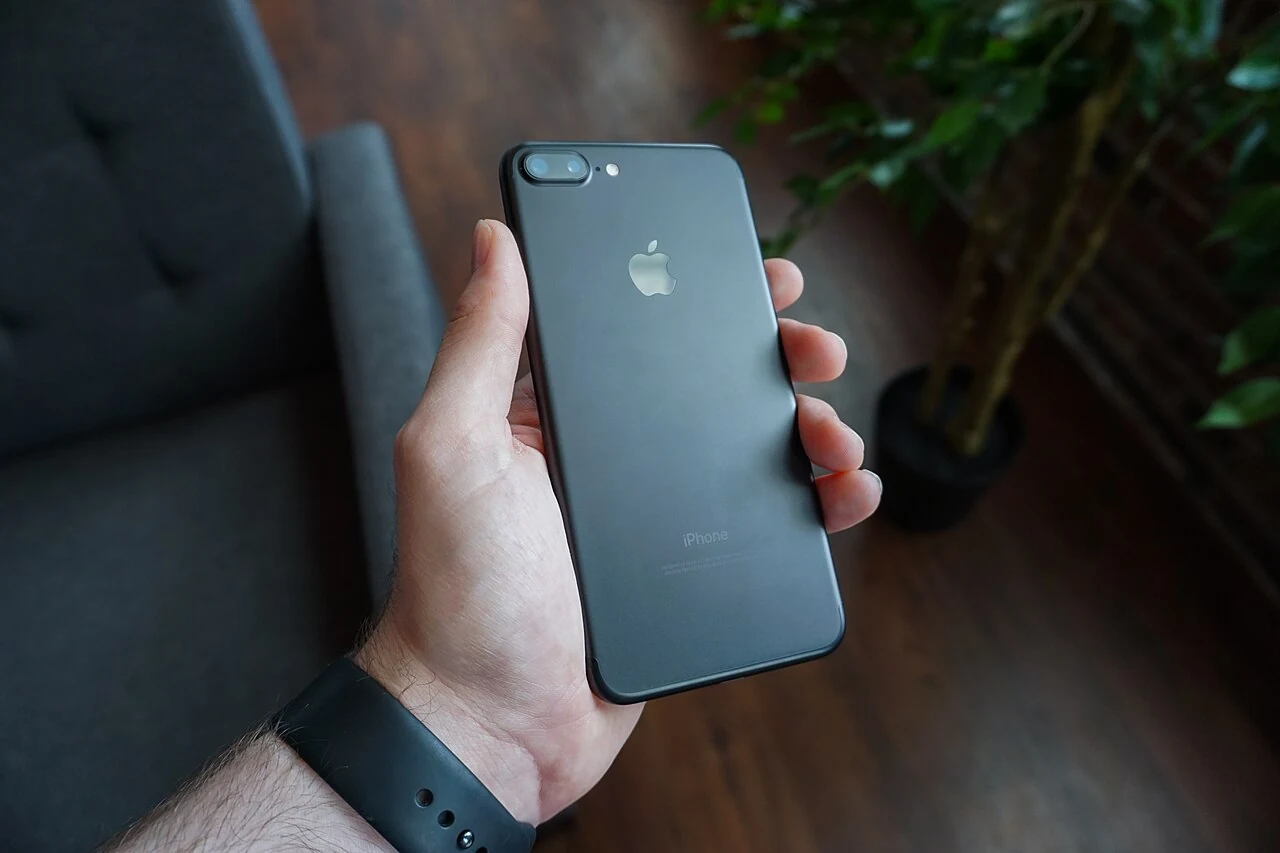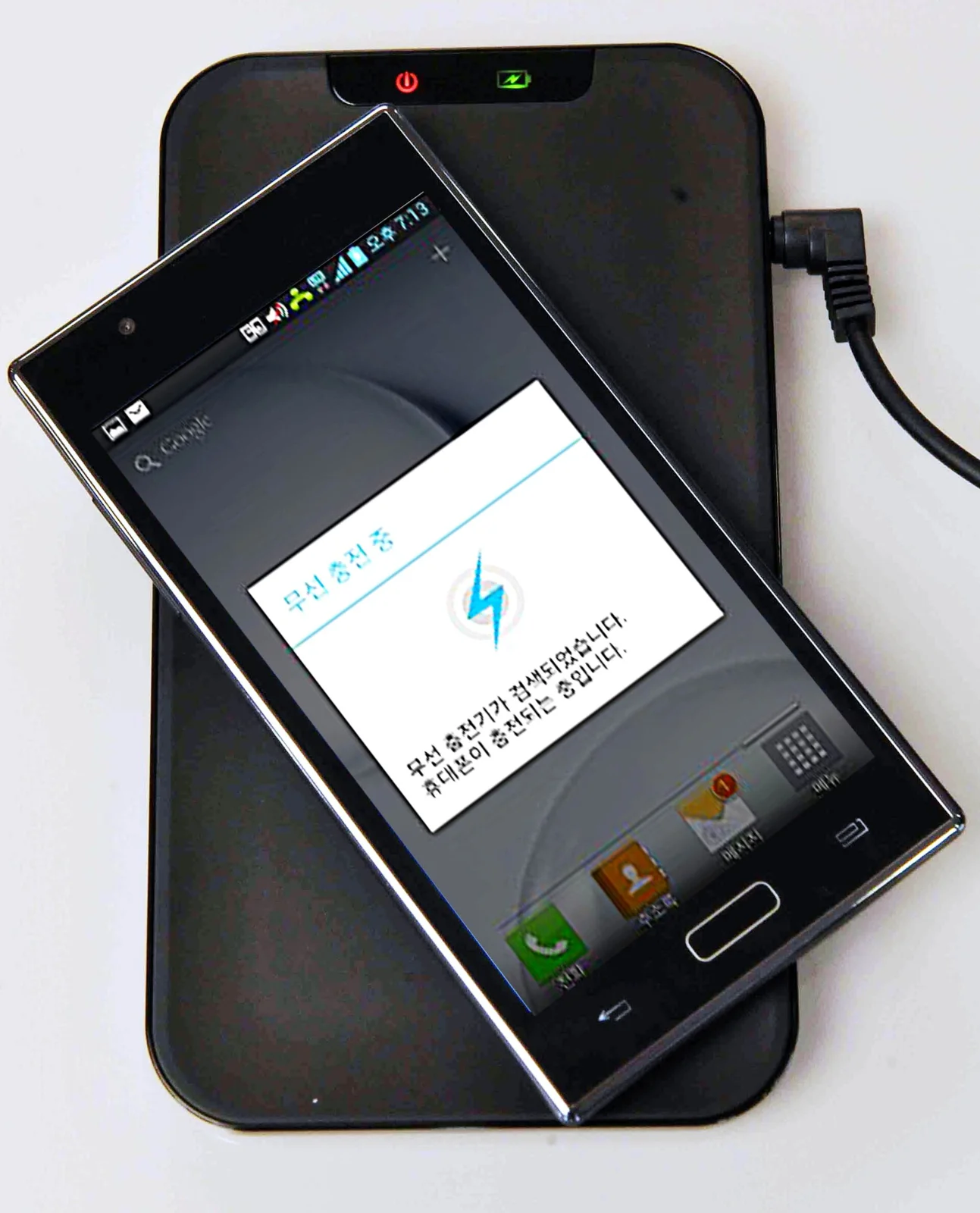
A shared charging corner should make devices easy to find without turning the room into a tangle of adapters. The first step is not a multi-device dock. Count what is actually charged together, identify the compatible power equipment and choose a location where the whole arrangement can remain accessible and appropriately ventilated.
Audit the devices and adapters
Put each device beside the charger and cable intended for it. Label the combination if several look alike, using a method that does not obscure safety information or damage the cable. Connector shape alone does not establish compatibility or charging performance. Check the device and accessory manufacturers' requirements before moving everything onto one new power source.
Include the small occasional items, but do not give each one a permanent place unless it needs one. Headphones charged once a week may share a scheduled space more practically than occupy another dock. Remove damaged accessories from use and follow appropriate disposal or replacement advice. An organizer cannot make a frayed cable suitable for continued use.
Choose the surface before the station
Look for a stable, dry, open place away from spills and the route through the room. Follow the equipment's ventilation and placement instructions. A closed decorative box may hide the clutter while creating an unsuitable environment for power equipment. Do not cover devices or adapters simply to make the arrangement look calmer.
Check where the nearest suitable outlet is and how the cable reaches it. A lead should not become a trip hazard or be pinched by furniture. CPSC guidance on extension cords emphasizes using appropriate, sound equipment and respecting its rating. If the room lacks an adequate permanent electrical arrangement, seek qualified advice rather than building a chain of improvised connections.
Make each cable easy to recognize
Start with a small number of cable clips or ties only where they solve a real problem. Leave enough slack for the device to be picked up and placed down without pulling the connector. Avoid tight bends or attachments that the cable maker does not recommend. The aim is to guide the cable, not force it into a decorative pattern.
A simple label near the free end may help people return the right cable. Keep personal devices distinguishable, and agree on whether the surface is a charging place or a storage place. Without that decision, a useful corner can become a collection of old phones, empty cases and paper that no longer belongs there.
Compare a dock with the simpler option
A dedicated dock may save space if it supports your exact devices and their cases. Check which power adapter is included, which accessories are additional and what simultaneous charging actually means for the model. A photograph with several devices does not prove they all charge at the same rate or use the same connection.
An ordinary suitable charger plus a modest tray may be easier to repair or adapt when one device changes. Compare that flexibility with the convenience of the integrated station. Keep instructions and purchase details somewhere accessible, and review the corner whenever equipment is replaced so an outdated adapter does not remain connected without a purpose.
Sources & further reading
Published sources for the details and examples discussed in this story.